




At 4A Consulting, we’re excited to share an incredible milestone in our journey. Recently, we were featured as one of the top 8(a) small businesses driving transformative change at the Internal Revenue Service (IRS). This recognition by Orange Slices is a significant testament to the hard work and dedication of our talented team, and our ongoing commitment to delivering impactful solutions for federal agencies.
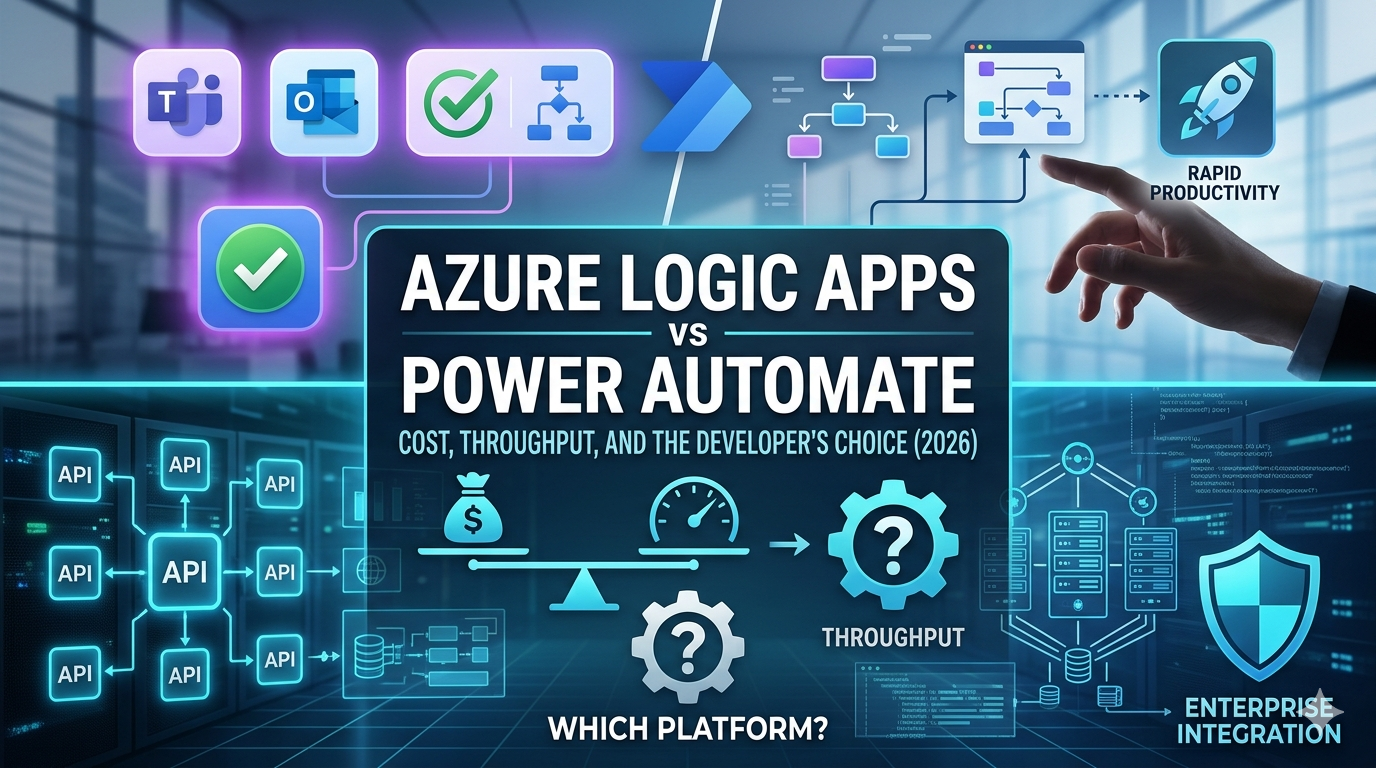
Azure Logic Apps vs Power Automate Cost, throughput, and which automation platform developers should choose in 2026.
Deepika Garimalla · Power Apps/ Power BI Consultant· 4A Consulting
Many organizations begin their automation journey with a simple goal: eliminate manual work and improve operational efficiency. However, as automation initiatives grow, businesses often encounter a different set of challenges, unexpected licensing costs, workflow bottlenecks, governance concerns, and integration limitations that were not apparent during initial implementation.
At 4A Consulting, we have worked with organizations that started with a handful of workflows and quickly found themselves managing hundreds or even thousands of automations across departments, applications, and cloud environments. What worked well for a small HR approval process often struggles when tasked with processing thousands of transactions, integrating enterprise systems, or supporting mission-critical business operations.
Within the Microsoft ecosystem, two platforms dominate automation discussions: Azure Logic Apps and Power Automate. While they share low-code capabilities, connectors, and Microsoft integration, they were designed to solve fundamentally different problems.
For developers, architects, and IT leaders evaluating automation platforms in 2026, the decision is rarely about features alone. It comes down to three critical considerations:
- Cost efficiency
- Throughput and scalability
- Long-term governance and maintainability
Understanding where each platform excels can prevent costly architectural decisions and help organizations build an automation strategy that scales with business growth.
The biggest misconception is that Azure Logic Apps and Power Automate are direct competitors. Microsoft designed them to solve different problems for different audiences.
Power Automate | Azure Logic Apps |
Audience | Audience |
Business users & citizen developers | Developers, architects & integration engineers |
Typical Use Cases | Typical Use Cases |
Employee onboarding workflows Leave request approvals SharePoint document processing Microsoft Teams notifications Outlook-based automation Excel & Forms integrations | API orchestration Event-driven architecture ERP and CRM integrations E-commerce order processing Financial transaction workflows B2B & hybrid cloud connectivity |
Power Automate empowers HR teams to automate vacation approvals without touching code. Logic Apps lets engineers wire together distributed systems at enterprise scale. Same Microsoft family, fundamentally different jobs.
Cost is where many organizations make their most expensive architectural mistake. Initial licensing costs often receive disproportionate attention, while long-term transaction volume, connector usage, and operational complexity are overlooked. Power Automate’s lower barrier to entry is appealing, but as automation volume grows, the economics can shift dramatically.
Power Automate Pricing
Power Automate is primarily licensed. Organizations pay per user, with additional charges for premium connectors, process licenses, and RPA requirements. This model is predictable when workflows map directly to employees, but costs can escalate when automation volume grows independently of headcount.
Azure Logic Apps Pricing
Logic Apps offers two major pricing models, each suited to different scenarios:
Plan | How you pay | Best for |
Consumption | Per trigger + per action executed | Event-driven systems, seasonal workloads, startups |
Standard | Fixed monthly compute (hosting plan) | High-volume integrations, predictable costs |
Power Automate | Per user / per flow license | Human-triggered, Microsoft 365 workflows |
The rule of thumb
If people trigger the workflow, Power Automate is usually the right fit. If systems trigger the workflow, Logic Apps, especially the Standard plan, often provide significantly better economics at scale.
A Practical Cost Scenario
One pattern we frequently see at 4A is organizations initially choosing Power Automate for automation initiatives because the entry point is familiar and accessible.
Consider an e-commerce company processing 50,000 orders per month. While exact costs vary by architecture, transaction volume often grows exponentially while employee counts remain relatively flat. As a result, licensing models that work well for departmental automation can become increasingly expensive when applied to enterprise-scale integration workloads.
Each order triggers:
- Inventory updates
- ERP synchronization
- Customer notifications
- Shipping integrations
- Except for handling workflows
At low volumes, Power Automate may be sufficient. However, as transaction volume grows into hundreds of thousands of monthly workflow executions, licensing requirements and premium connector usage can increase significantly.
In contrast, Azure Logic Apps Standard allows organizations to process large transaction volumes within a dedicated runtime environment. Instead of licensing around users or workflow ownership, costs are tied to computing resources and workload consumption.
While every implementation differs, organizations handling high-volume system-to-system integrations often discover that Logic Apps delivers a lower cost per transaction once automation scales beyond departmental workflows.
This is why 4A typically recommends evaluating expected transaction volume alongside current requirements rather than selecting a platform based solely on initial licensing costs.
This is often the deciding factor for development teams because scalability challenges rarely appear during pilot programs. They emerge when automation becomes business critical.
A workflow processing 100 approval requests per day has very different requirements from an integration platform processing 100,000 customer transactions, inventory updates, or API requests every 24 hours.
At 4A, throughput challenges are one of the most common reasons organizations revisit automation platform decisions after deployment. Initial implementations perform well, but as transaction volumes increase, latency, concurrency limits, and operational complexity become more visible. In many cases, the issue is not workflow design. It is the mismatch between a platform originally selected for productivity automation and a workload that has evolved into enterprise integration.
Power Automate Throughput
Power Automate performs exceptionally well for human-centric workflows where processing speed is measured in seconds or minutes rather than milliseconds.
Examples include:
- Employee approvals
- Document routing
- Microsoft Teams notifications
- SharePoint workflows
- HR and Finance processes.
For these use cases, throughput is rarely a concern.
However, when workflows begin processing large volumes of transactions or require near real-time integration between enterprise systems, architectural limitations become more noticeable.
Cost and throughput matter enormously, but so does how easy a platform is to maintain. A workflow tool that creates governance headaches compounds into significant technical debt over time.
Power Automate
Power Automate excels at rapid, accessible workflow creation. The UI is intuitive, Microsoft 365 integration is excellent, and business users can be productive without development support. The friction emerges at scale: version control, environment promotion, automated testing, and CI/CD pipelines are all significantly harder to implement compared to code-first approaches.
Azure Logic Apps
Logic Apps align with modern engineering practices from the start. Workflow definitions can live in Git repositories, be deployed via Azure DevOps or GitHub Actions, and reviewed through pull requests, the same standards applied to application code.
- Better governance: Workflow definitions reviewed through pull requests alongside application code
- Repeatable deployments: Infrastructure and workflows deployed consistently across environments via IaC
- Improved collaboration: Development teams apply the same standards used for all other software
For organizations with mature DevOps practices, this is a major advantage in terms of governance, repeatability, and team collaboration. At 4A, governance challenges often emerge long before organizations encounter scalability limitations. Workflow sprawl, inconsistent deployment practices, and limited visibility across environments frequently create greater operational risk than throughput constraints. Logic Apps’ alignment with modern DevOps practices helps address these concerns early.
Which Platform Should You Choose?
One of the biggest misconceptions is that organizations must choose between Azure Logic Apps and Power Automate.
In reality, many successful enterprises intentionally use both platforms together.
At 4A, we frequently recommend a layered automation strategy:
Power Automate for Business Productivity
Business teams manage workflows such as:
- Employee onboarding
- Leave approvals
- Expense requests
- Document approvals
- Teams notifications
Azure Logic Apps for Enterprise Integration
Development and integration teams manage:
- API orchestration
- ERP integrations
- Customer order processing
- Data synchronization
- Event-driven architecture
This approach allows organizations to empower business users while maintaining governance and scalability for enterprise workloads. More importantly, it creates clear ownership boundaries. Business teams can innovate rapidly without introducing unnecessary risk into enterprise integration environments managed by engineering teams.
Rather than forcing every automation requirement into a single platform, organizations can leverage the strengths of each solution.
Choose Power Automate when… | Choose Azure Logic Apps when… |
✓ Business users manage the workflow ✓ Microsoft 365 is the primary ecosystem ✓ Approval & notification flows are core ✓ Automation volume is moderate & user-driven ✓ Speed of delivery matters over engineering rigor | ✓ Developers own and maintain the solution ✓ API orchestration or system-to-system integration ✓ High throughput and low latency are expected ✓ DevOps, CI/CD, and IaC practices are in place ✓ Long-term scalability and cost-per-transaction matter |
The bottom line
The most successful organizations use both platforms. Power Automate handles employee-focused productivity workflows. Azure Logic Apps powers enterprise integrations and backend automation. That combination delivers the best balance of agility, scalability, and cost efficiency.
Final Thoughts
Azure Logic Apps and Power Automate are both powerful automation platforms, but they solve different business challenges.
Power Automate excels at enabling business users to automate everyday processes quickly and with minimal technical expertise. Azure Logic Apps provides the scalability, governance, and integration capabilities required for enterprise-grade solutions.
For organizations evaluating automation investments in 2026, the most important question is not which platform is better. The more strategic question is which platform aligns with the nature, scale, and future growth trajectory of the workload.
If people are driving the process, Power Automate is often the right choice.
If systems, APIs, and high-volume integrations are driving the process, Azure Logic Apps is typically the stronger long-term solution.
At 4A Consulting, we help organizations design automation strategies that balance agility, governance, and scalability across the Microsoft ecosystem. Whether you’re modernizing legacy integrations, scaling enterprise automation, or defining a cloud-native architecture, selecting the right automation platform is critical to long-term success.
The organizations realizing the greatest return from automation are not necessarily those deploying the most workflows. They are the ones establishing an automation operating model that balances business agility with enterprise governance. Selecting the right platform is less about technology preference and more about ensuring automation can evolve alongside the business, support future growth, and deliver sustainable value over time.